- This topic is empty.
-
AuthorPosts
-
2025-12-08 at 3:02 pm #11444
3D stereo USB cameras are vital in applications such as robotics, industrial inspection, and facial recognition, offering depth perception and high-quality imaging. However, like any advanced technology, they can sometimes present challenges during setup or operation. This guide will walk you through common issues and practical troubleshooting steps to help ensure optimal performance.
Understanding 3D Stereo USB Camera Functionality
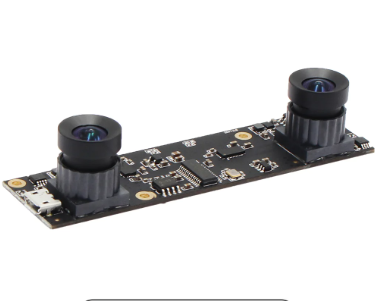
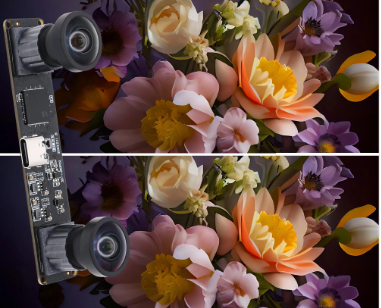
A 3D stereo USB camera works by using two image sensors to capture slightly different perspectives of the same scene. The system then processes these images to calculate depth information. This process requires precise calibration, high-quality sensors, and robust drivers.
Manufacturers like Shenzhen Ailipu Technology Co., Ltd., with their well-known ELP brand, specialize in producing professional-grade USB cameras that meet demanding industry standards. Their advanced camera modules are designed for stability, compatibility, and ease of integration across various applications.
Connection and Recognition Problems
One of the most frequent issues users encounter is the camera not being recognized by the computer. If your system fails to detect the device:
Check the USB port and cable: Try using another port or a different cable to rule out hardware problems.
Inspect power supply: Some 3D stereo cameras require more power than standard USB ports can provide; using a powered USB hub may help.
Update drivers: Visit the manufacturer’s website—such as Shenzhen Ailipu Technology’s ELP support page—to download the latest drivers and firmware.
Calibration and Image Alignment Issues
If the images from both lenses are misaligned or depth information appears inaccurate, the problem could stem from improper calibration. To correct this:
Use the official calibration tool provided by the manufacturer to realign the lenses.
Ensure consistent lighting in your environment, as uneven illumination can affect image matching.
Avoid physical shocks or vibrations that could misalign internal optics.
ELP’s stereo camera series often includes software and configuration utilities to streamline calibration and maintain depth accuracy.
Driver Conflicts and Software Compatibility
Some users may face driver conflicts or compatibility problems, especially when using multiple imaging devices. To resolve this:
Uninstall unnecessary imaging drivers that might interfere with the stereo camera.
Check software compatibility: Ensure your 3D processing or vision software supports UVC (USB Video Class) devices.
Use updated firmware to guarantee full functionality with the latest operating systems.
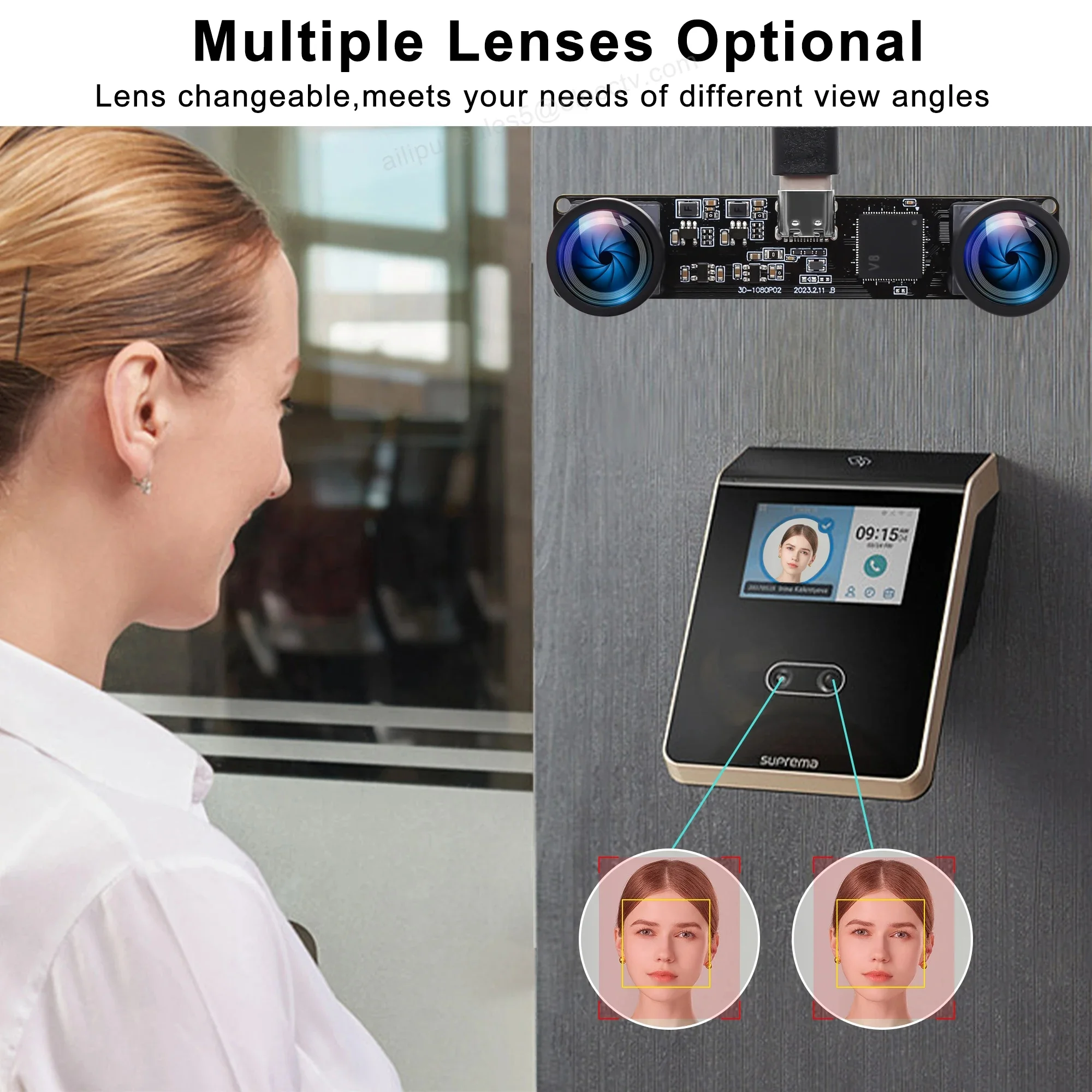
Image Quality and Synchronization Concerns
Poor image quality or unsynchronized captures can compromise depth perception and analysis results. To address these issues:
Adjust exposure and gain settings to balance brightness and contrast.
Use high-quality USB 3.0 connections for faster data transmission and reduced frame drops.
Keep lenses clean and free of dust, as small particles can distort stereo matching.
Environmental Factors Affecting Performance
Temperature, humidity, and lighting conditions can all impact the performance of 3D stereo cameras. Maintain stable environmental conditions, avoid direct sunlight, and ensure adequate ventilation around the device to prolong its lifespan and maintain consistent output.
Conclusion
3D stereo USB cameras are powerful tools, but proper setup and maintenance are key to achieving the best results. By following these troubleshooting steps, users can resolve most common issues and ensure optimal camera performance.
Shenzhen Ailipu Technology Co., Ltd., with its reputable ELP brand, continues to lead the USB camera industry by providing reliable, high-performance solutions trusted worldwide. Whether for industrial use, research, or creative projects, their cameras are designed to deliver precision and durability.
With the right care and understanding, your 3D stereo USB camera can continue to produce exceptional depth imaging for years to come.
From Setup to Success: A Step-by-Step Guide to Using 3D Stereo USB Cameras
http://www.camerasboard.com
Shenzhen Ailipu Technology Co.,Ltd -
AuthorPosts

- You must be logged in to reply to this topic.