- This topic is empty.
-
AuthorPosts
-
2026-02-10 at 6:53 pm #12200
A 360W desktop power supply can make a system design easier—or expose weak points you didn’t realize you had. At this power level, reliability isn’t just about picking a “bigger adapter.” It’s about managing peak loads, cable losses, thermal behavior, EMI, connector integrity, and fault handling so the end product stays stable in real installations.
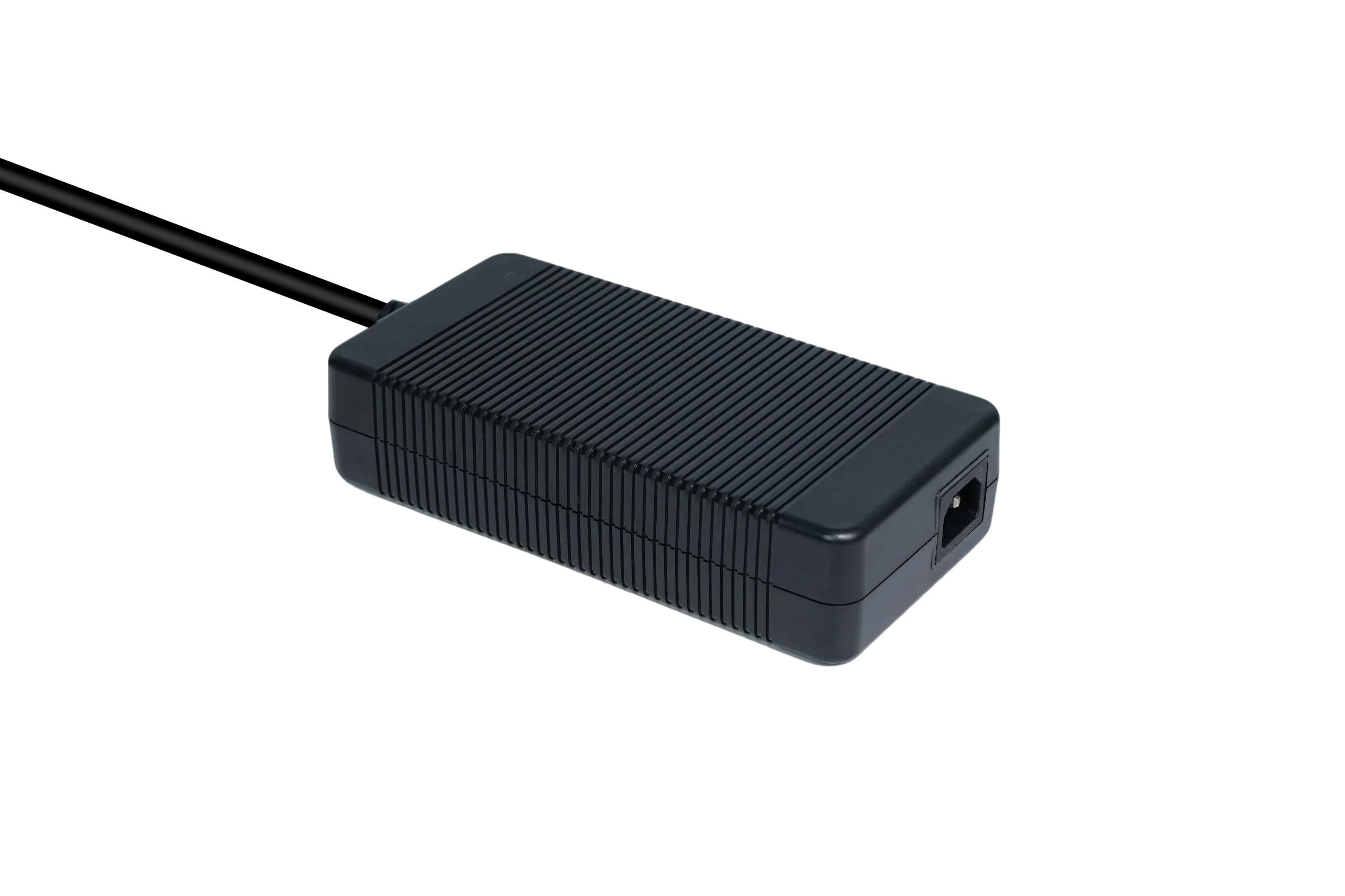
This engineer-focused guide shares practical design tips for building reliable equipment around a 360W external (desktop) power supply. If you want to reference a representative model while reading, here is the product page link: 360W Power Supply-GJ350WD Series Desktop Series Power Supply.
1) Start with a load profile, not a watt number
Engineers typically have a spreadsheet with “module current draw.” That’s useful—but it’s not a load profile. A reliable design considers how current changes over time.
Build a simple load profile with three numbers:
-
Steady-state load: what the system consumes during normal operation
-
Peak load: startup surges, motor inrush, solenoid actuation, charging bursts
-
Worst-case combined load: when multiple high-load events overlap (e.g., motor start + charging + communication burst)
Why it matters
A 360W supply may be stable at 200–250W average but still trip protections or dip voltage if the system’s peak events are sharp and frequent.Engineering tip
If you don’t have a current probe log yet, you can still estimate peak overlap risk by listing “events” that can occur together. Many resets happen because designers assume events never overlap in the field.
2) Plan for margin under temperature, not just room conditions
External supplies reduce heat inside the product, but they still operate in real environments—industrial cabinets, dusty corners, warm workshops, or near other heat sources.
Reliability rule of thumb
Treat “rated power” as a starting point, then check what happens at higher ambient temperatures and limited airflow.What to do in design
-
Place the power brick where airflow exists, not tightly wrapped behind the equipment
-
Avoid placing it directly on insulation materials or in sealed compartments
-
Consider cable routing so it doesn’t run across hot surfaces or sharp edges
Even a high-quality supply will age faster when heat cannot escape.
3) Mind the cable: voltage drop is an invisible reliability killer
At 360W, output currents can be significant depending on voltage. That makes output cable drop and connector resistance more important than engineers expect.
Where voltage drop shows up
-
The system works on the bench with a short cable
-
The system becomes unstable in the final assembly with a longer cable
-
Loads that were fine at idle now reset during peaks
Design actions
-
Keep DC cable length reasonable when possible
-
Use appropriate cable gauge for your current levels
-
Avoid unnecessary extension cables or adapters
-
Validate the voltage at the load (not at the supply) during peak events
If your system is sensitive, design the internal DC distribution so the “highest-current path” is short and robust.
4) Connector selection: treat it as a component, not an accessory
Many field failures are connector-related, not PSU-related—especially when equipment is moved, vibrated, or frequently plugged/unplugged.
What to decide early
-
Connector type (barrel, locking, custom) and current rating
-
AuthorPosts
Viewing 1 post (of 1 total)- You must be logged in to reply to this topic.
-
